3–5 days
Floor observation
Researchers shadow pickers and dispatchers across shifts and record scan sequences and interruptions.

Supply chain and logistics platforms run in warehouses, trucks, and shop floors. Design must match the physical environment.





Get a free consultation
Free consultation · reply within one business day
In shortSupply chain UI UX design plans the user experience (UX) and user interface (UI) of warehouse, transportation and planning software used on rugged handhelds, truck tablets and control-room screens. Our supply chain design sprints take 4–8 weeks, cost $25,000–$60,000, and include floor observation, glove-friendly scan flows and exception screens tested with operators.
 Anyday
 Digno
 Elia Wellness
 Mass Media Co.
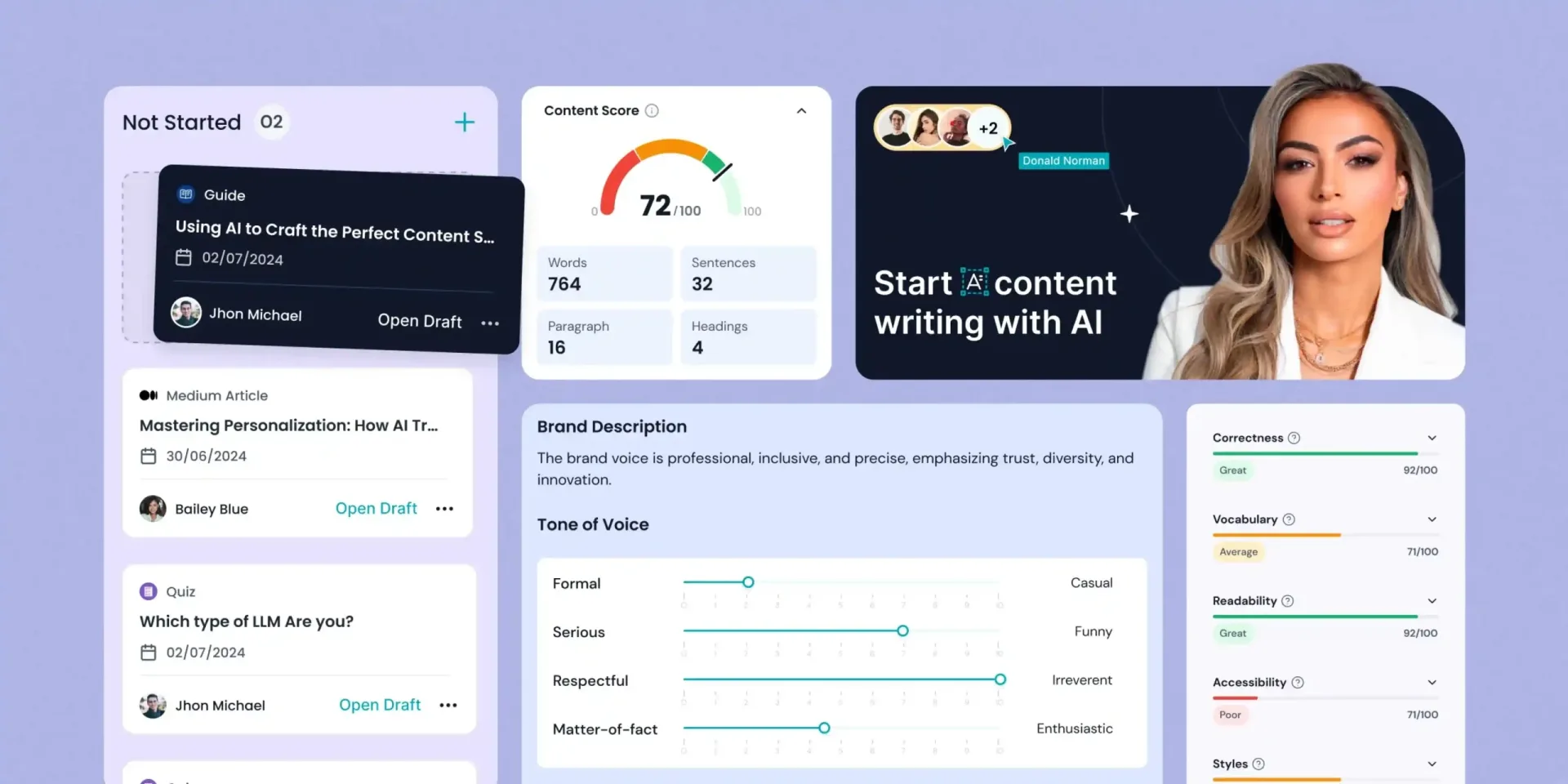 Vocable
 Parents Connect
 Nitro
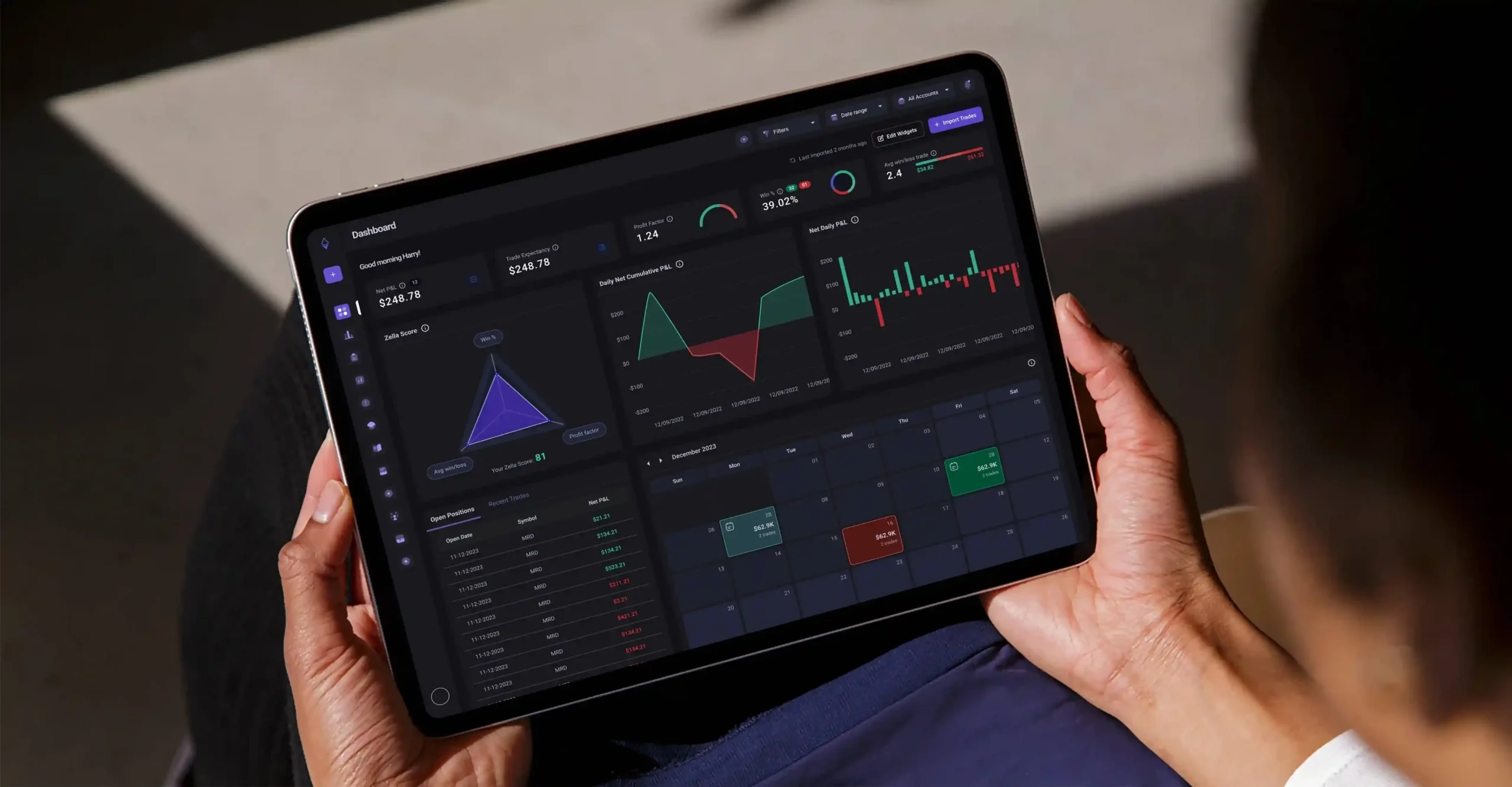 TradeZella
Supply chain UI UX design is the research, interaction design and visual design of software that receives, stores, picks, ships, plans and tracks goods. Users include pickers, forklift drivers, dispatchers and planners who work standing, moving, gloved and against time targets.
A warehouse management system (WMS) screen is read at arm's length on a 4–6 inch handheld while the operator holds a carton, so the scan prompt, quantity and location code matter more than navigation. Planners at desks face thousands of stock keeping units (SKUs) and forecast exceptions on wide monitors. Control-tower views for dispatch teams follow our dashboard UX design method.
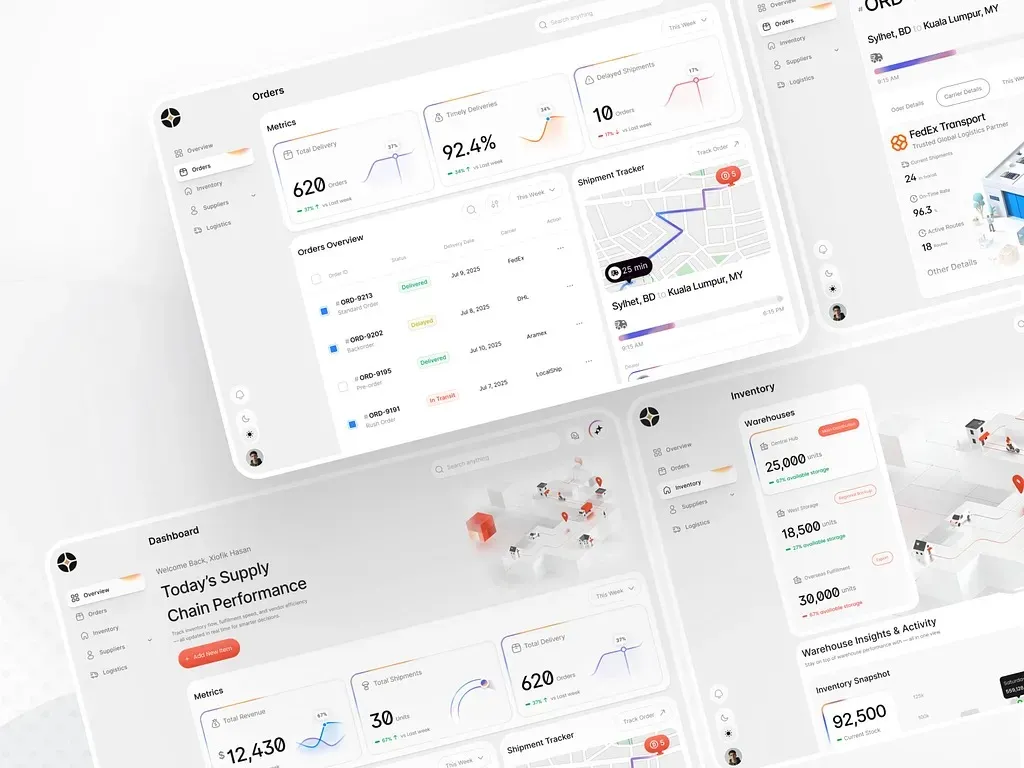
We design 5 types of supply chain products: WMS mobile apps, transportation management software, planning tools, fleet and yard apps, and real-time operations dashboards.
Receiving, picking and cycle counts run on handheld scanners, for example a pick screen that shows bin location, item image and quantity in 3 lines.
Shippers tender loads and track shipments, for example a load board that flags tenders still waiting for carrier acceptance.
Planners override forecasts with a reason, for example an exception list ranking SKUs by forecast error and stockout risk.
Drivers capture proof of delivery and yard staff move trailers, for example a yard map that colours each trailer by dwell time.
Supervisors watch throughput on wall displays, for example a dock view showing trucks waiting and orders at risk of missing carrier cut-off.
Supply chain UX faces 4 specific challenges: gloved one-handed use, poor light and noise, interrupted work and exceptions at volume.
Operators wear gloves and hold cartons, so targets are 48 px or larger and key steps map to the hardware scan trigger.
Freezers, dock doors and night shifts change visibility, so screens use high-contrast themes, large numerals and vibration feedback instead of sounds.
Pickers stop for replenishment or a supervisor question, so every task saves state on each scan and resumes at the exact step after a device sleeps or drops Wi-Fi.
Short picks, damaged goods and late carriers break the happy path, so exception flows offer predefined reason codes, photo capture and a named owner for each issue.
Our supply chain design process takes 4–8 weeks (20–40 working days) and runs in 4 steps, with at least 1 site visit.
Researchers shadow pickers and dispatchers across shifts and record scan sequences and interruptions.
Each task is mapped scan by scan with exception branches, then checked against WMS or TMS business rules.
Designers build handheld, tablet and desktop screens with glove-sized targets, scan-trigger mapping and offline states.
Operators test the prototype on real devices, wearing their own gloves, in the aisles and docks, then developers receive annotated Figma files and device specs.
Supply chain UX serves physical work on rugged devices and measures throughput; general product UX serves seated screen use and measures growth.
| Criterion | Supply chain UX | General product UX |
|---|---|---|
| Users | Pickers, drivers, dispatchers and planners on shifts | Office or consumer users at a desk or on a phone |
| Constraints and regulation | Rugged devices, gloves, offline zones, OSHA and FMCSA rules | Screen sizes and app store rules |
| Testing | On-floor tests on target devices with gloves, noise and real stock | Remote or lab tests on a laptop or phone |
| Accessibility | WCAG 2.2 AA plus 48 px glove targets and multilingual labels | WCAG 2.2 AA with 24 px minimum targets |
| Success metrics | Scans per hour, pick accuracy and training time | Activation, conversion and retention |
A supply chain research and design sprint costs $25,000–$60,000 over 4–8 weeks. The price depends on 4 factors: the number of sites visited, the number of device types, the number of operator roles and the number of exception flows.
A handheld picking app for 1 warehouse and 2 roles sits near $25,000. A WMS suite with picking, shipping, a supervisor dashboard and 2 site visits sits near $60,000. An existing scanner app with high training time starts with UX audit services at $5,000–$15,000.
5 standards and regulations shape supply chain UX: OSHA forklift rules, FMCSA driver rules, GS1 barcodes, DSCSA and WCAG 2.2.
Each option below draws on our core UI UX design services, from user research to usability testing, scoped to the users and workflows of your product.
Dashboards designed around the decisions users make, not every metric at once.
02Analytics, operations, and admin dashboards with clean layouts and readable charts.
03Charts, interactive reports, and visual stories that make complex data clear.
Book a 45-minute UX audit session. We review your product and identify the top three friction points.
Book a UX auditThese six answers settle the fit: transportation and logistics scope, handheld scanners, offline use, floor testing, supervisor tools and timelines.
Still have a question?
A design lead answers every message within one business day.
Talk to a design leadYes. Our supply chain UI UX design services cover transportation management system (TMS) software, fleet and yard apps and control-tower views for dispatch teams, for example a load board that flags tenders still waiting for carrier acceptance. Driver apps capture proof of delivery and keep typing and handheld phone use out of the driving flow, because FMCSA rules (49 CFR 392.80 and 392.82) bar commercial drivers from texting or using a hand-held mobile phone while driving, including stops in traffic. Each logistics UX prototype is tested by operators on the real devices they use.
Yes. Designs target the screen size and scan trigger of the customer's devices, for example Zebra TC-series and Honeywell CT-series handhelds, and testing runs on the physical devices.
Yes. Offline-first designs queue scans on the device, show sync status on every screen and resolve conflicts on reconnection, for freezers, steel racking and yards with weak coverage.
Yes. On-floor tests with gloves, real stock and normal noise expose problems a desk test misses, for example a quantity field too small to read at arm's length.
No. Supervisors walk the floor, so supervisor tools need a tablet view for labour assignment and exceptions, plus a wall-display dashboard for throughput and backlog.
A supply chain research and design sprint takes 4–8 weeks, which equals 20–40 working days. A full WMS, TMS or planning platform with a design system takes 8–16 weeks.
Send us your project. A design lead reviews it and schedules a call within one business day. We sign an NDA before the first technical discussion if you prefer.