3–5 days
Discovery and research
We interview 5–8 target users, review app analytics and agree the core jobs of the app.

Research-led mobile UX and polished UI for iOS and Android, designed around real usage, thumbs, and short attention spans.





Get a free consultation
Free consultation · reply within one business day
In shortMobile app UI UX design services plan the user experience (UX) and design the user interface (UI) of an iOS and Android app, from user flows to a tested app prototype and developer-ready screens. Our mobile app UI UX design takes 4–8 weeks, costs $25,000–$60,000, and follows Apple Human Interface Guidelines (HIG) and Material Design 3.
Mobile app UI UX design is the process of planning how an app works (UX) and how an app looks (UI) on iPhone and Android phones. Designers map user flows, size touch targets for thumbs and apply platform guidelines, for example Apple HIG for iOS and Material Design 3 for Android.
Mobile app UI UX design covers both platforms in one project, while iOS app design services focus on Apple devices only. A cross-platform app design shares one user flow map and adapts navigation, typography and controls per platform, for example a tab bar on iOS and a navigation bar on Android.
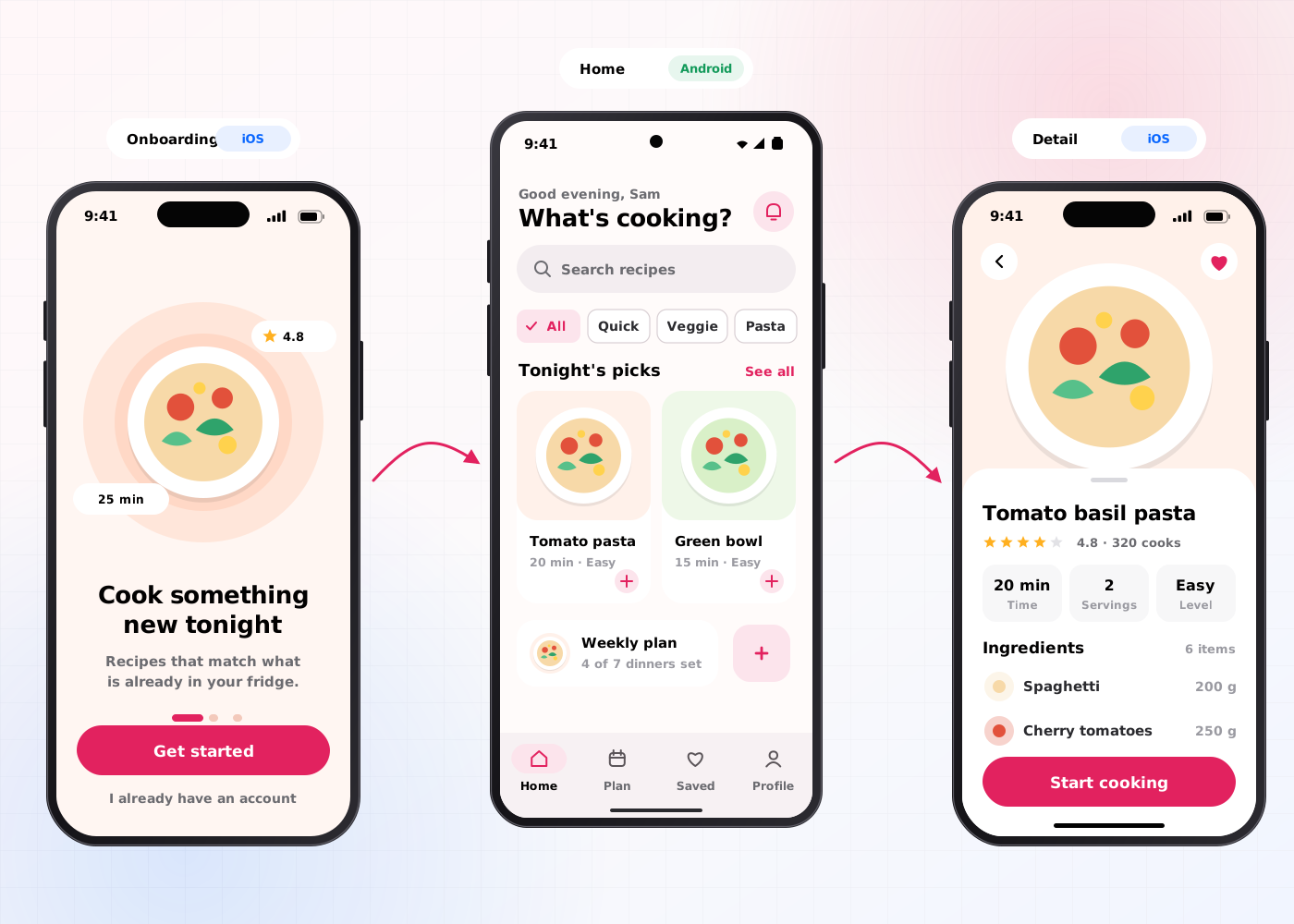
Our mobile app UI UX design services include 6 deliverables: user research, user flows, wireframes, an app prototype, a UI kit and app store assets.
Interviews with 5–8 target users and a review of competitor apps, for example the 3 apps users already switch between.
Diagrams of every path through the app, for example onboarding, sign-in, checkout and push-notification opt-in.
Low-fidelity screens in Figma for every flow, for example the home screen, search and settings.
A clickable Figma prototype tested with users in Maze, for example a 5-task onboarding test.
Components for iOS and Android, for example buttons, tab bars and bottom sheets, with touch targets of 44×44 pt on iOS and 48×48 dp on Android.
Screenshots and preview frames for the App Store and Google Play, for example 6 screenshots per platform.
The mobile app UI UX design process takes 4–8 weeks (20–40 working days) and runs in 5 steps, from discovery to developer handoff.
We interview 5–8 target users, review app analytics and agree the core jobs of the app.
Designers map every flow and wireframe the iOS and Android screens in Figma.
A clickable app prototype is tested with 5 users per round in Maze or in moderated sessions.
Designers apply the brand to every screen, build the UI kit and check contrast against Web Content Accessibility Guidelines (WCAG) 2.2 level AA.
We hand over Figma files, specs and assets to developers working in Swift, Kotlin, React Native or Flutter, and review the first TestFlight and Google Play Console test builds.
Mobile app UI UX design has 4 benefits: it increases retention, improves the mobile UX on both platforms, reduces development rework and develops a reusable UI kit.
Short onboarding flows and clear navigation increase the share of users who return to the app after the first session.
Platform-native controls and thumb-zone layouts improve task completion on iPhone and Android phones.
Testing an app prototype before coding reduces the number of screens developers rebuild after launch.
Every new feature adds components to one Figma library, so the UI kit develops release by release.
Mobile app UI UX design covers iOS and Android in one project; iOS app design covers iPhone, iPad and Apple Watch only. Teams that ship to both app stores choose mobile app UI UX design.
| Criterion | Mobile app UI UX design | iOS app design |
|---|---|---|
| Platforms | iOS and Android phones | iPhone, iPad and Apple Watch |
| Guidelines | Apple HIG and Material Design 3 | Apple HIG only |
| Handoff target | Swift, Kotlin, React Native or Flutter | SwiftUI and UIKit |
| Timeline | 4–8 weeks | 4–8 weeks |
| Price on this site | $25,000–$60,000 | $25,000–$60,000 |
Mobile app UI UX design costs $25,000–$60,000 and takes 4–8 weeks. The price depends on 4 factors: the number of user flows, the number of platforms, the number of test rounds and the size of the UI kit.
A minimum viable product (MVP) app with 4–5 flows on iOS and Android sits near $25,000. An app with 12–15 flows, 3 test rounds and a full UI kit sits near $60,000. Apps that need a full design system move to a $60,000–$180,000 engagement of 8–16 weeks, and early-stage teams compare scope with UI UX design services for startups. Holding a freelancer's quote against this range? Line up a freelancer's quote and an agency's on the same lines before you compare totals.
An app business should hire mobile app UI UX design services in 5 situations:
Book a 45-minute UX audit session. We review your product and identify the top three friction points.
Book a UX auditWe design UI and UX for Startups, Healthcare, Gaming, EdTech, Media and Blockchain products.
Send us your project. A design lead reviews it and schedules a call within one business day. We sign an NDA before the first technical discussion if you prefer.
These answers cover the 5 questions buyers ask most about mobile app UI UX design services.
Still have a question?
A design lead answers every message within one business day.
Talk to a design leadYes. Mobile app UI UX design services cover iOS and Android, with one user flow map and platform-specific controls for each operating system.
Yes. One mobile app design works for a React Native or Flutter app, with small platform variants, for example date pickers and back navigation.
Yes. Every app prototype is tested with 5 users per round in Maze or in moderated sessions before developer handoff.
Yes. A mobile app redesign starts with a review of the current app, app store reviews and analytics before any new screens are designed.
Mobile app UI UX design takes 4–8 weeks, which equals 20–40 working days, from discovery to developer handoff.